The team at Jim’s I.T have years of experience repairing and upgrading all types of gaming computers, including custom gaming computers from computer stores, off-the-shelf gaming computers and gaming laptops.
We understand how frustrating a poor performing gaming computer is that lags during games, randomly crashes, and displays strange video and monitor issues. Due to the complex nature of gaming computers, it can be hard to diagnose and pinpoint the issue.
Jim’s I.T offers comprehensive gaming computer repair service, including troubleshooting, installation, tune up, gaming computer upgrades, hardware repairs and more. If you’re looking for gaming computer repairs near me, Jim’s I.T gaming computer repair technicians are here to help.
Call us now at 0800 454 654 with any questions about our gaming computer repair service.
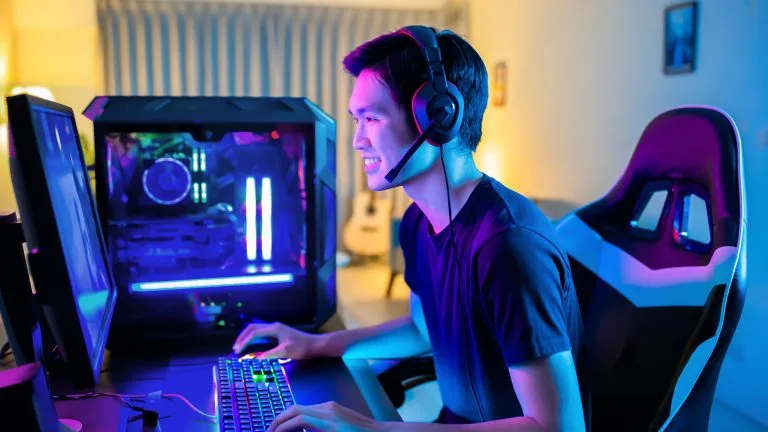
Custom & Pre-Built
Gaming Computer Repairs
Onsite Gaming PC Repairs
Gaming computers can be extremely challenging and complex to troubleshoot yourself, especially if you have spent many hours building the computer yourself. Blue screen errors or slow speeds can be related to the SSD hard drive, motherboard, or CPU so it’s best to use a professional to help troubleshoot and fix the issue.
If you have an even more complex gaming computer that uses water cooling, it’s best not to try to fix it yourself, as you may end up damaging the CPU or graphics card.
Here are some common gaming computer repair issues our customers face including:
- Blue screens
- Slow speeds
- Games crashing
- Slow FPS
- Overheating
- Display issues
- Water cooling
- Air cooling
- Graphics
- CPU issues
- Overclocking
- Power issues
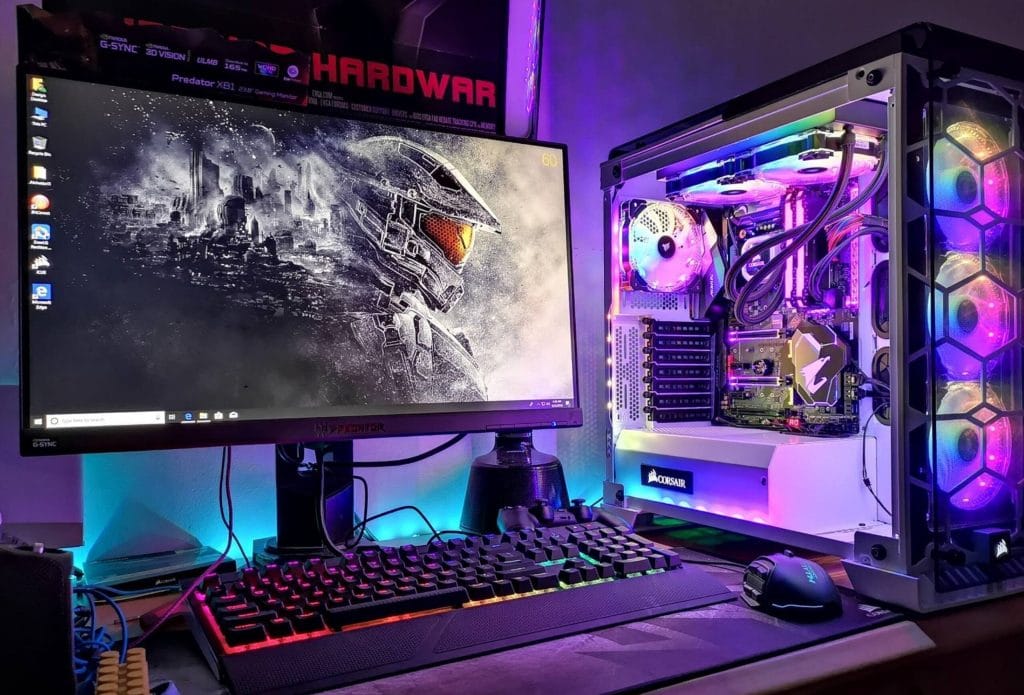
If your gaming computer issues are not on the list, give us a call on 0800 454 654 as we fix hundreds of custom and pre-built gaming computers each year, and have seen every issue and we can guide you through whether it’s worth repairing or we can advise you on a new gaming computer purchase.
Onsite Gaming Laptop Repair
Our dedicated gaming laptop technicians can fix all make and models of gaming laptops including: Alienware, Razer, ASUS, MSI, Lenovo, Acer, HP and more.
Our gaming laptop repair technicians can be onsite at your home or office within the same day and will offer a fast diagnosis and various repair options for your laptop. So, you can get back to gaming as soon as possible, without any hassles.
Our qualified gaming laptop repair technicians can fix the following issues:
- Overheating
- Battery issues
- Performance
- Screen
- Keyboard
- Wi-Fi issues
- Audio issues
- Crashing
- GPU issues
- Fan noise
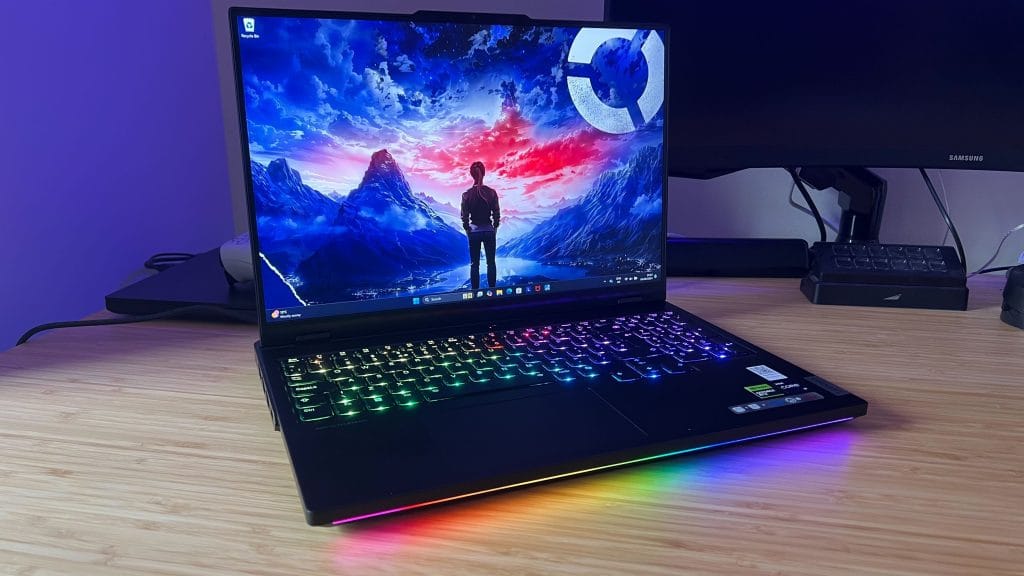
If your issue is not on the above list, have a chat today with one of our gaming computer repair technicians on 0800 454 654, they will give you genuine advice if it can be repaired.
Gaming Computer Repairs Near Me
Jim’s I.T has local gaming computer repair technicians in your area, and we provide same day service and free quotes.
Broken gaming computers are incredibly frustrating to work with, and things can become stressful if your data is at risk. It’s best not to muck around yourself and get your gaming computer assessed by a Jim’s I.T computer technician.
They will quickly diagnose the issue and give you the various options of repairing or replacing, while explaining the cause of the issue in layman’s terms.
Here are some common gaming computer repair services Jim’s I.T provides:
- Gaming PC Setup
- Gaming fault fixes
- Gaming tune-up
- Gaming upgrades
- Gaming PC repairs
- Gaming network setup
- Gaming virus removal
- Gaming WIFI setup
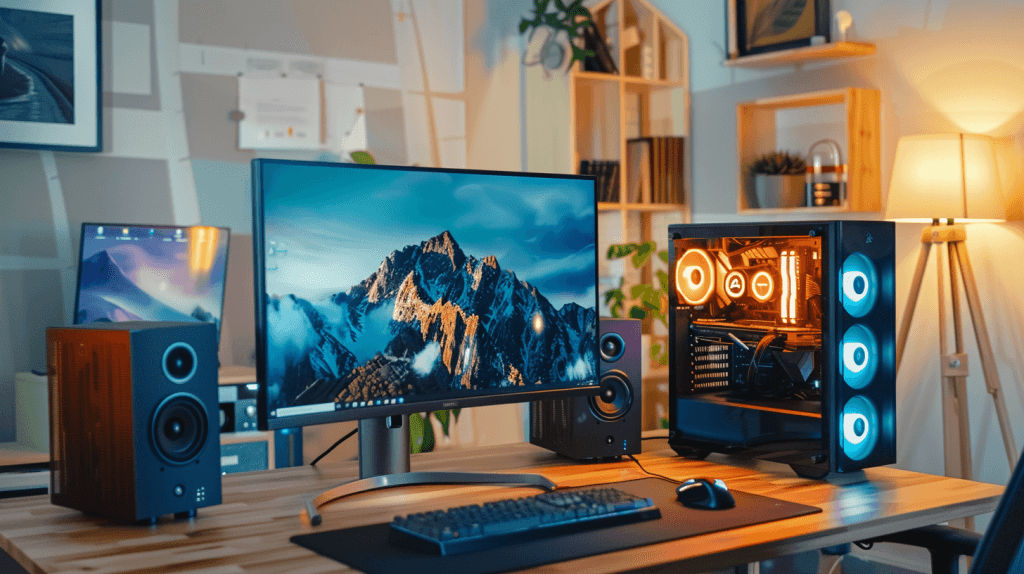
Gaming Computer Upgrade Service
Upgrading your gaming computer is a great way to get extra performance and increase your edge when playing games.
Newer games are more demanding on your PC’s CPU, graphics card and memory making it harder for older hardware to run them at the highest quality.
Here are some of the gaming computer upgrades which can boost PC’s performance and extend the lifespan of your gaming computer by another 5 + years.
- SSD upgrade
- RAM upgrade
- GPU upgrade
- CPU upgrade
- Board upgrade
- PSU upgrade
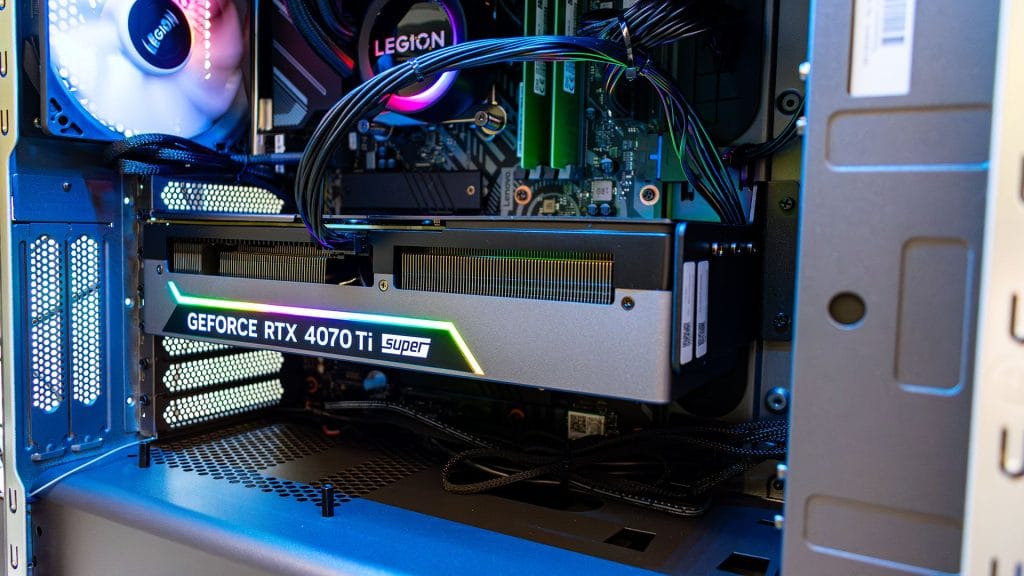
Custom Gaming Computers
Our dedicated Jim’s I.T technicians provide a custom computer service and can build you a custom gaming computer specifically to your specifications and gaming needs.
Sick and tired of your old gaming rig? Jim’s I.T will work with you to learn the exact games you like to play, your preferred look and feel of your new computer, your budget and timeframe and prepare you a detailed quote with recommendations.
Building a custom gaming PC involves careful planning and component selection. Key considerations include ensuring compatibility between parts, particularly the CPU and motherboard and choosing components based on your budget and performance goals.
Here are some of the key components in a custom gaming PC.
- CPU
- GPU
- Motherboard
- Memory
- Hard drive
- OS
- PSU
- Cooling
- Case
- Monitor
- Peripherals
- Games
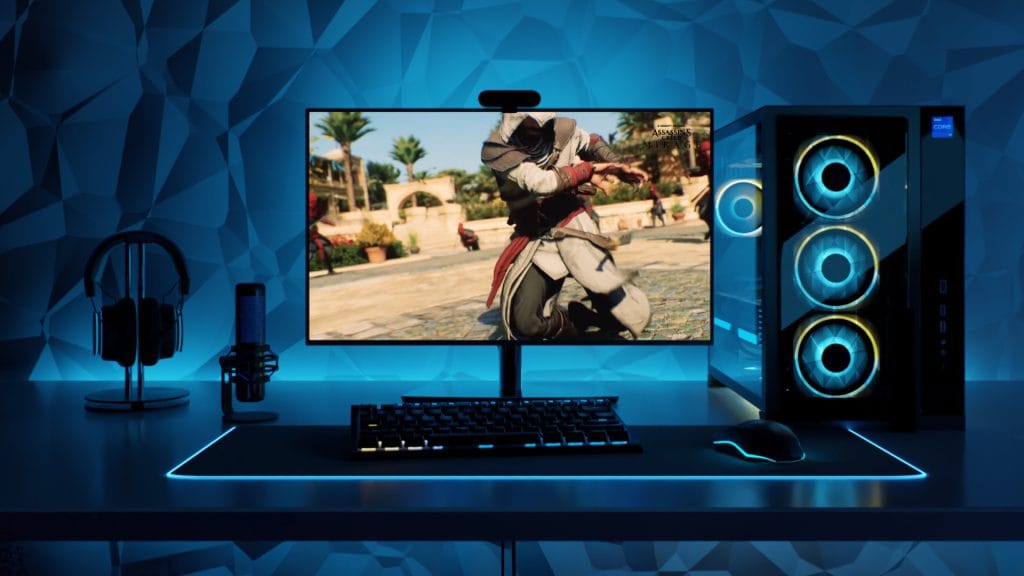
If you would like additional parts or equipment such as water cooling installed, speak with one of our computer technicians on 0800 454 654 and they will guide you on the best cooling solution for your needs.
Gaming Computer Repairs – Frequently Asked Questions
The best upgrade for your gaming PC is upgrading the video card, this will allow you to play the latest games. The second most important upgrade is an SSD hard drive, followed by some gaming memory. Jim’s I.T recommends around 32gig memory for the latest games.
Yes, Jim’s I.T provides a custom gaming PC build service. We will need to get more background information about your requirements, such as what types of games you like to play and your budget.
Yes, this is a common issue we see with DIY gaming computer builds. Sometimes there can be an incompatible piece of hardware, or the wrong internal cables have been used, or the power supply is faulty. We will need to test your hardware to confirm the fault.
Yes, this is a common scenario we see at Jim’s I.T, where kids watch youtube tutorials and then build their own gaming PCs. Occasionally small things are overlooked, or there is some hardware issue causing the problem i.e: bent CPU pins. It’s best to talk to a computer repair professional from Jim’s I.T who builds PCs for a living.
No, Jim’s I.T does not fix bent pins. This is a specialised service and is very delicate to do. Under no circumstances do we recommend customers try to do this themselves, as you can further damage the CPU.
Yes, we install, and service all water-cooled gaming PCs. We can also perform regular maintenance on water-cooling systems.
Yes, we provide comprehensive data recovery services and can recover data from crashed mechanical hard drives and crashed SSD hard drives. We will need to assess your hard drive first and then give you a quote and recommendations.
Building a gaming PC can be a challenging process, especially for beginners. While it requires a lot of research and planning purchasing all the correct parts.
We generally don’t recommend building a custom PC, especially if you have never done it before. It will save you time and a lot of headache by hiring a professional computer technician from Jim’s I.T to do this for you.
Yes, we can fix this for you. This usually means there is some sort of hardware fault. Either your hard drive, video card, motherboard or ram has developed a problem. We will need to investigate further and can then recommend a replacement part.
Yes, Jim’s I.T can fix your overheating issue. This may be caused by incorrect video card settings in certain games, driver issues, or hardware issues. We will need to bench test your machine to pinpoint the exact issue.
Yes, this usually means your gaming PC does not meet the minimum specifications for the newest games. Usually, the video card is the limitation, and we can recommend a new video card within your budget. It could also be a RAM issue, and you may need more memory.
Yes, we can install a lighting kit for your gaming computer.
Turn off your computer ASAP and call us on 0800 454 654 as we will need to test your computer to see what hardware components are working, and what can be repaired after cleaning up the water damage. Do not continue to use your PC, as you may cause irreparable damage to it due to water on the motherboard.
Speak to your local computer technician right now
Jim’s Work Guarantee
Why Choose Jim’s I.T ?
Attempting to resolve IT issues yourself can sometimes lead to further complications, data loss, or unnecessary downtime. Computers, networks, and other technology require the right knowledge and tools to diagnose and resolve problems effectively.
Jim’s I.T technicians are experienced in a wide range of IT services, including computer repairs, troubleshooting, software support, network setup, and general technical assistance. With over 15 years of experience, we provide reliable, professional IT solutions for homes and businesses, backed by our No-Fix, No-Fee Guarantee, with convenient service available across New Zealand.
Fixed Pricing
All quotes are free and fixed prices. We may charge to inspect the problem so we can quote accurately.
Same Day Service
You can request on-site same-day service before 10 am. We’ll have a technician at your door that very same day!
No Fix No Fee
If we can’t fix the problem or offer you a solution then there’s nothing to pay*.
Note : *Some issues/problems require a paid inspection/diagnostic fee to determine if the device can be repaired.