Have you just purchased a new iPhone or smart phone and you’re not sure how to set it up? iPhones and smartphones are powerful devices that have exciting features and useful capabilities. We can help you get the most out of your new iPhone or Android phone with our smartphone setup service.
The team at Jim’s I.T provides a comprehensive smart phone setup from setting up new email accounts, installing your favourite apps, transferring data from your old phone, and getting your smart phone security setup.
We understand that new iPhone and smart phone setup can be a frustrating process, and most retail stores will overlook a lot of the setup causing a lot of missing data on your new phone such as photos, contacts and SMS messages.
Jim’s I.T provides a detailed iPhone and Android Phone setup service where we can guarantee 100% of your data from your old phone is transferred to your new phone and everything works perfectly.
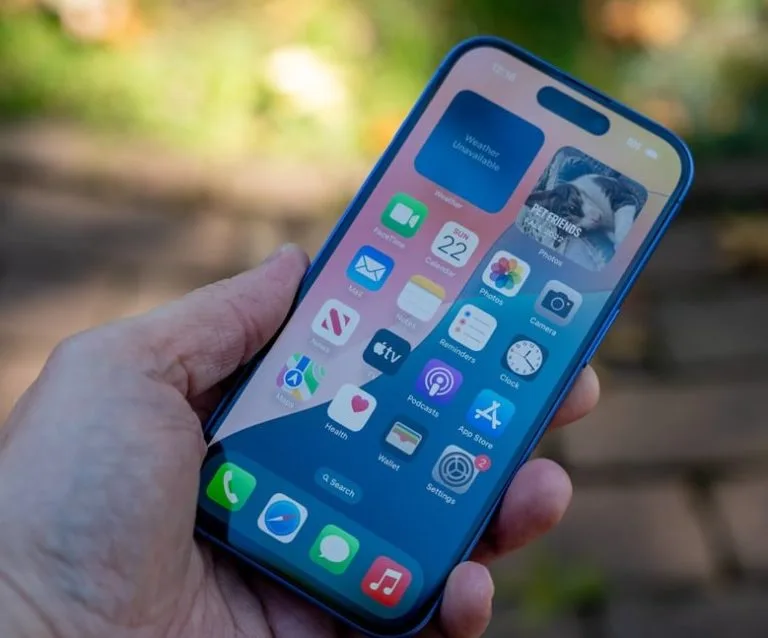
We Setup All Brands
iPhone & Smartphone Setup
iPhone & Android Setup
Setting up your new smartphone can be a challenging process, especially when something goes wrong. From email password problems to Apple ID settings, to missing data, getting your new iPhone or smartphone to work correctly can be a hair-pulling exercise. So, it’s best to use a professional IT technician who can set up and solve your smartphone issues onsite.
If you have a very old phone, or need help selecting a new smartphone to purchase, we can assist. Retail shop assistants give you very little time and apply pressure to purchase the wrong phone, so it’s best to speak with a neutral third party like Jim’s I.T who can help you purchase the right phone for your needs.
Here are some common iPhone & Smartphone setup services we provide:
- Setup iPhone
- Setup Android
- Setup Apple ID
- Setup iCloud
- Setup emails
- Setup security
- Setup backups
- Install apps
- Setup iTunes
- Sync to devices
If you would like help purchasing a new iPhone or smartphone, give us a call on 0800 454 654 as we set up hundreds of smartphones each month and can get your new phone up and running quickly.
iPhone & Smartphone Troubleshooting
Jim’s I.T provides troubleshooting and setup services for all Apple iPhones and Android phones. When something goes wrong with your phone, it can be incredibly frustrating as you don’t know who to turn to, or who to ask for help.
With Jim’s I.T we can fix all types of iPhone and smart phone issues including email syncing problems, app issues, iCloud issues, Apple ID problems, and strange software glitches.
Here are some common iPhone & Smartphone issues we fix:
- Battery drain
- Crashing
- Overheating
- Unresponsive
- Wi-Fi issues
- Freezing
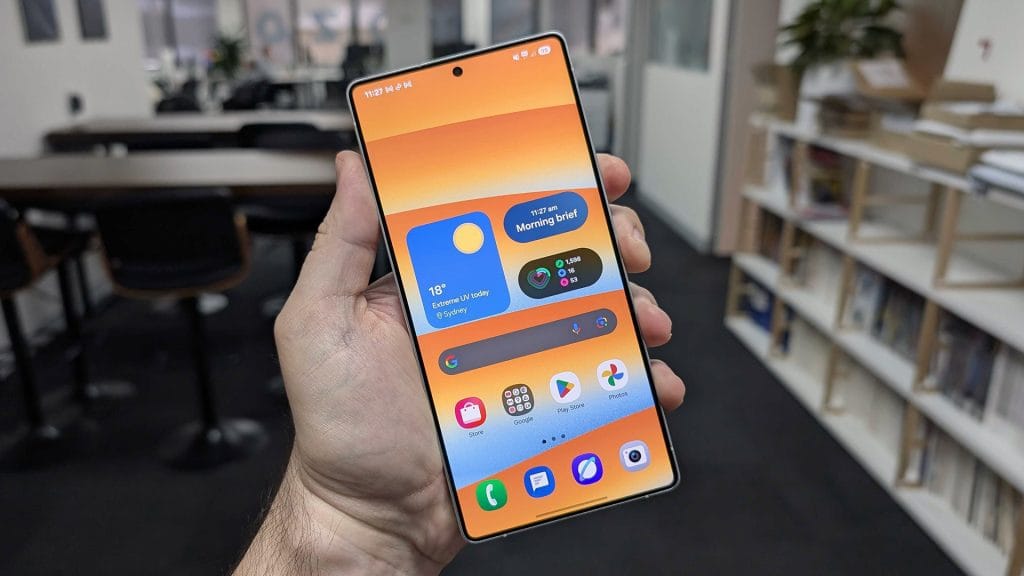
If your issue is not on the above list, have a chat with our smartphone technicians, and they will give you genuine advice if it can be fixed or recommend an alternative solution.
Smartphone Training
Getting a new iPhone or smart phone can be an exciting feeling but can also be a challenging process especially if you are not tech savvy and have been using an older phone for a while.
Jim’s I.T provides smart phone training for seniors (and customers of all ages) who are not tech savvy and need some technical TLC. Our smart phone technicians can provide a one-on-one service with guided steps that allow you to get the most out of your new smartphone.
They will sit down with you and guide you through the whole setup process of your new phone, transfer your old phone contacts and data to your new phone and guide you through how to get the most out of your iPhone. They will even write down instructions for you.
Afterwards you will have the confidence to use your new iPhone and Smartphone and impress your friends by taking photos, writing emails and installing apps yourself.
Here are some of the common benefits of our Smart Phone training:
- Take photos
- Send emails
- Web browsing
- Install apps
- Social media
- Stream music
- Sync to Mac
- Phone backups

If your issue is not on the above list, have a chat with our smartphone technicians, and they will give you genuine advice if it can be fixed or recommend an alternative solution.
iPad & Tablet Setup Service – Frequently Asked Questions
Yes, we can transfer all your existing iPhone data from SMS’s, contacts, photos, email accounts and apps to your new iPhone.
It’s important this is done properly otherwise you will end up with missing data.
Setting up a new iPhone involves the initial setup of the phone, software updates, iPhone activation, transferring data, and setting up the PIN and face ID.
Most of your iPhone data will automatically back up to iCloud(opens in new tab). However most iCloud accounts are only 5gig, so it’s important you have enough storage on your iCloud account.
iCloud will automatically backup your iPhone for you.
Yes, this can be quite tricky. We use the ‘Move to iOS’ app to transfer all your data from your android phone to an iPhone. Sometimes we need to do additional work, as the software may not transfer 100% of your data.
This depends on the age of your iPhone. If your iPhone is older than 5 years, we recommend upgrading it to a newer iPhone. If your iPhone is very slow and is still under warranty, we recommend taking it back to Apple for a replacement.
iPhones are not repaired, so if your phone is slow and outside the warranty period, we recommend purchasing a new iPhone or upgrading your iPhone on your phone plan.
Yes, we can setup your iPhone to sync with your Mac and iPad. Once we sign your iPhone into with your Apple ID account, your iCloud account it will sync automatically with your other Apple Devices.
Yes, Jim’s I.T also sets up Android Phones and all other types of phones including the latest generation of foldable phones.
Yes, Jim’s I.T technicians can assess your phone bills, and your phone plan and can guide you on a smartphone upgrade that fits your needs and budget.
Yes, this is a common service we perform for our customers. We will back up your iPhone to iTunes before doing an iOS upgrade to make sure it goes smoothly.
Yes, we set up new Android phones. We will need your Gmail.com(opens in new tab) account so we can sign into your google account and complete the setup.
Yes, we can teach you how to use iTunes. iTunes has a confusing interface, and it can be challenging to learn to use it by yourself.
Yes, we can install all streaming apps and social media apps on your iPhone or Android phone.
Jim’s I.T recommends always backing up to iTunes, and encrypting backups, so 100% of the phone’s data is backed up to the computer. We then restore this backup to your new iPhone which makes sure all your data is transferred.
iCloud backups can be slow, if you have thousands of photos and lots of data.
Jim’s I.T usually recommends customers stick with the phone type they know, like and are able to use easily.
For example, if you have an iPhone X and find it easy to use, we recommend sticking with Apple iPhones and upgrading to an iPhone 15 or iPhone 16.
We don’t recommend customers switch from Android to iPhone or iPhone to Android, as it can be a challenging learning curve and frustrating for non-tech savvy customers.
Yes, we can assist with managing your photos from your Smart Phone. If you have an iPhone and Apple computer, we can import all your photos into your Photos App.
If you have a windows computer, we recommend using the Microsoft Photos app to import photos from your iPhone.
If you have an Android phone we recommend using apps such as Google Photos or Amazon Photos.
Yes you will need a google account to complete the setup process on a new Android Phone.
Speak to your local computer technician right now
Jim’s Work Guarantee
Why Choose Jim’s I.T ?
Attempting to resolve IT issues yourself can sometimes lead to further complications, data loss, or unnecessary downtime. Computers, networks, and other technology require the right knowledge and tools to diagnose and resolve problems effectively.
Jim’s I.T technicians are experienced in a wide range of IT services, including computer repairs, troubleshooting, software support, network setup, and general technical assistance. With over 15 years of experience, we provide reliable, professional IT solutions for homes and businesses, backed by our No-Fix, No-Fee Guarantee, with convenient service available across New Zealand.
Fixed Pricing
All quotes are free and fixed prices. We may charge to inspect the problem so we can quote accurately.
Same Day Service
You can request on-site same-day service before 10 am. We’ll have a technician at your door that very same day!
No Fix No Fee
If we can’t fix the problem or offer you a solution then there’s nothing to pay*.
Note : *Some issues/problems require a paid inspection/diagnostic fee to determine if the device can be repaired.