The professional team of SONOS installation technicians at Jim’s I.T can set up your new SONOS sound system so you can stream your favourite apps including Spotify, Apple Music, Amazon Music, Deezer and Tidal. We understand how confusing new technology can be and we take all the stress out of setting up your new SONOS speakers.
Our expert SONOS technicians will guide you through the installation process, showing you how to use your new SONOS system and how to stream music from your iphone, android phone, tablet or computer.
The team at Jim’s I.T have years of experience setting up SONOS speakers and home theatre devices, including setting up voice controls on your SONOS speakers and linking them to your smart home.
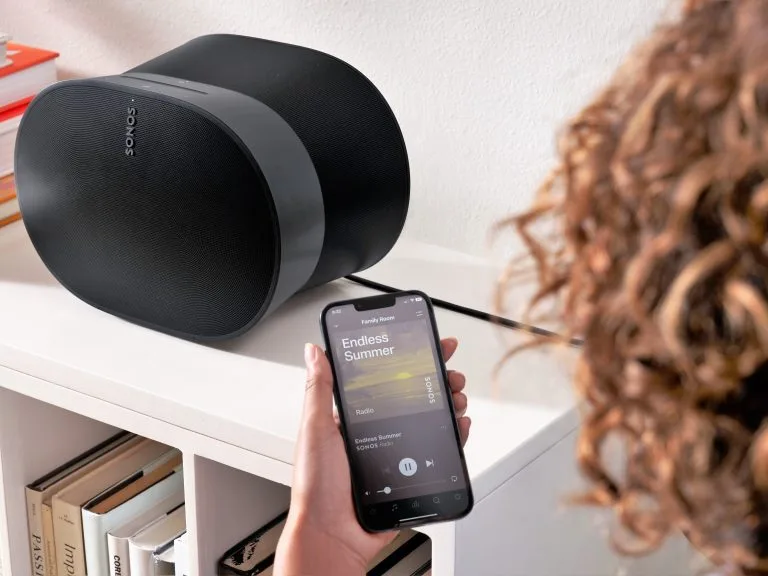
Music Streaming
SONOS Wireless Speaker Setup
SONOS Setup
Sonos is an excellent way to stream music into various rooms in your house or business. If you have an existing SONOS system or want to purchase a new SONOS speaker, speak with the home theatre technicians at Jim’s I.T.
We have setup hundreds of Sonos speakers and fixed frustrating Sonos issues such as Sonos speaker dropouts, Sonos S1 and S2 app problems, Spotify problems and more.
Sonos speakers are great when they work, but they can be tricky to set up or when something goes wrong. Call the expert SONOS technicians at Jim’s I.T on 0800 454 654
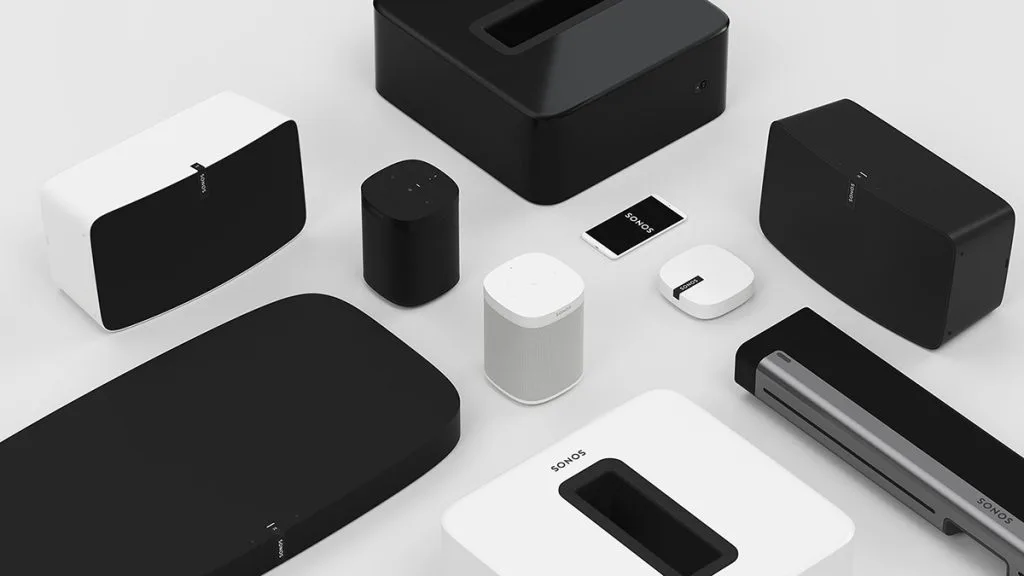
Here are some of the SONOS products we can install and setup for you:
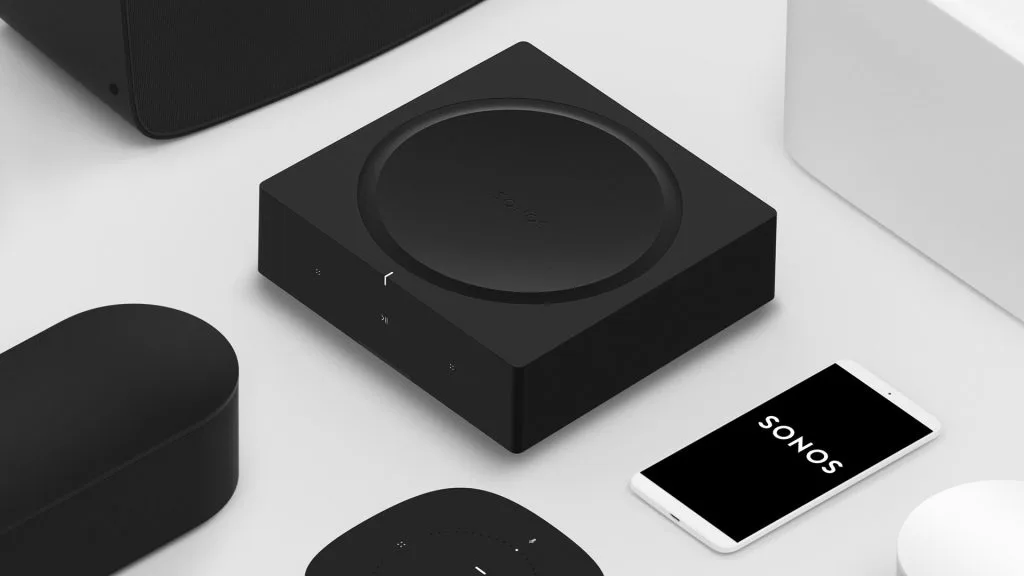
- SONOS amps
- SONOS ray
- SONOS beam
- SONOS sub
- SONOS five
- SONOS 100
- SONOS roam
- SONOS move
SONOS Installs
Jim’s I.T SONOS technicians can install your SONOS amps and connect them to in-wall, in-roof and outdoor speakers. We will make sure all the amps are programmed correctly, hardwired via network cabling and work perfectly with your modem and router.
We have extensive experience with all SONOS products including Amps, Play 1, Play 3, Play 5, Soundbar, Sub, and more. We can install SONOS speakers in your home or business including offices, warehouses, restaurants, real estate agents, bars and nightclubs.
Here are some of the benefits of using a SONOS wireless sound system:
- Music streaming
- Multi-room audio
- User friendly software
- Sonos voice controls
- Expandable system
- High-quality audio
- True-play tuning
- Wi-Fi streaming
- Future-proofing
- Smart home audio
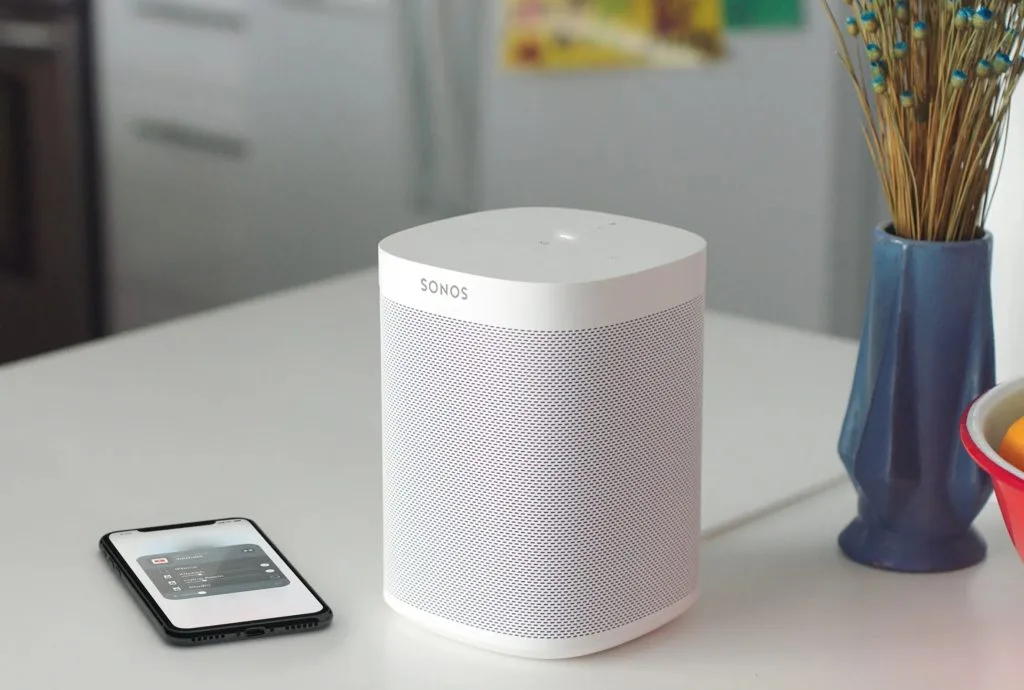
SONOS Troubleshooting
SONOS can be quite complex to install and program correctly. Because of this, many unhappy SONOS users have contacted us. They had other companies install their system, but now continue having issues, such as zone or speaker dropouts, diminished sound quality, or a frozen app.
The improper installation of SONOS speakers is such a widespread problem that we are fixing twenty to thirty SONOS systems per month. The cause of SONOS issues usually falls into the following categories, including wireless problems, networking or modem issues, wiring problems, or incorrectly programmed SONOS speakers.
If you have a existing SONOS system that continues to experience issues, speak with our SONOS technicians today. We have years of experience fixing all SONOS systems so they work perfectly.
Here are some common SONOS issues our home theatre technician can fix for you:
- Connection issues
- S1 or S2 app issues
- Speakers greyed out
- Audio problems
- Zones dropping out
- Broken sonos app
- Poor sound quality
- Wi-Fi interference
- System instability
- Outdated hardware
SONOS Setup & Installation – Frequently Asked Questions
SONOS drop outs are usually related to poor wifi signal in your home or can be caused by faulty SONOS software. We will need to test and measure your wifi signal and look at installing wireless access points.
Yes, we can fix this for you. Usually this means that there is a communication problem between the S1 or S2 app and your speakers.
There are many music streaming services you can use with SONOS, including Spotify, Amazon Music, Apple Music, Tidal, Deezer and Google Music.
Yes, this is a very common problem. After you installed the new modem, it now has new internal configuration settings which cause SONOS to stop working. We will have to factory reset your sonos system or we can download the network config data from your old modem and put it into your new modem, and this will fix your issue permanently.
SONOS is advertised as a very simple to use and reliable product. Most of the time this is true, however when things go wrong or you have a complex or large SONOS system, a professional can troubleshoot your issues and make your system 100% reliable.
SONOS boost products are a discontinued wireless booster that were sold by SONOS directly. We recommend using wireless access points instead, as they are more powerful and reliable.
Yes, Jim’s I.T has local SONOS technicians near me on their team and can assist across all suburbs for both home and business customers.
Yes we can install your new SONOS soundbar and connect it to your TV. This is a common service we provide.
Your sonos dropouts are related to poor wifi signal in your property, as the cement walls block up 80% of the wifi signal. We will need to come onsite to assess your property and look at installing wireless access points.
For the best performance we recommend using the latest SONOS S2 app. Unless you have older speakers which are incompatible with the S2 app
This may mean that there are some undiagnosed wiring faults inside the data points, or there is some sort of networking fault such as a faulty modem or router. We will need to assess your network to pinpoint the exact issue.
Generally speaking, very old sonos speakers are not compatible with the S2 app. And the only way around this is to buy new sonos speakers or amps.
Jim’s I.T does not do any electronic repairs to SONOS speakers. We recommend contacting SONOS directly and asking about their upgrade program, as they don’t directly repair speakers.
Usually this means the SONOS amp is too old and will not work in S2. You will need to buy a new SONOS amp.
Speak to your local computer technician right now
Jim’s Work Guarantee
Why Choose Jim’s I.T ?
Attempting to resolve IT issues yourself can sometimes lead to further complications, data loss, or unnecessary downtime. Computers, networks, and other technology require the right knowledge and tools to diagnose and resolve problems effectively.
Jim’s I.T technicians are experienced in a wide range of IT services, including computer repairs, troubleshooting, software support, network setup, and general technical assistance. With over 15 years of experience, we provide reliable, professional IT solutions for homes and businesses, backed by our No-Fix, No-Fee Guarantee, with convenient service available across New Zealand.
Fixed Pricing
All quotes are free and fixed prices. We may charge to inspect the problem so we can quote accurately.
Same Day Service
You can request on-site same-day service before 10 am. We’ll have a technician at your door that very same day!
No Fix No Fee
If we can’t fix the problem or offer you a solution then there’s nothing to pay*.
Note : *Some issues/problems require a paid inspection/diagnostic fee to determine if the device can be repaired.