Do you suspect your computer has a virus or you have been scammed or hacked? If you don’t act fast, things can go from bad to worse. We understand that this will be a very frustrating and emotional time for you, so it’s important that you bring in a specialist to address the situation.
If you don’t address this straight away you risk losing your data, your personal information being stolen, your bank account hacked and possibly a damaged computer. Our expert technicians will guide you through the virus & malware removal process and restore your computer back to new.
The team at Jim’s I.T have years of experience cleaning up computer viruses, malware removal, spyware removal and scam clean ups. We can save your precious data like photos and documents, and make sure nobody has access to your computer.
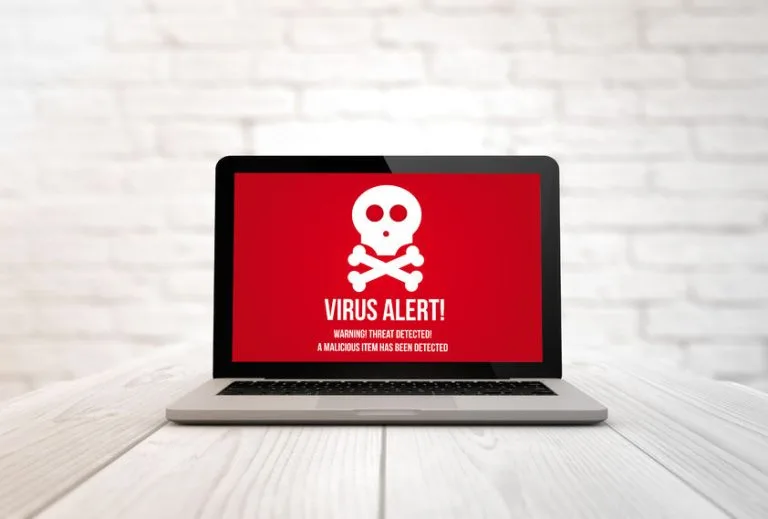
Same-Day Virus Removal
Virus Removal Services
Common Virus Symptoms
A lot of customers may mistake common signs of a virus or malware infection for other unrelated things, such as a slowing computer from age, or too many programs loaded on the computer.
Usually, a customer will call Jim’s I.T when the computer becomes almost unusable to use, and they are ready to throw it in the bin, or it’s just behaving very strangely and erratically. They run a basic anti-virus scan, and it says there is no virus infection.
Most anti-virus software will not be able to pick up 100% of viruses and malware. Our Jim’s I.T computer repair technicians have advanced software tools and programs and will run various scans to eliminate all computer infections.
Here are some of the most common signs that your computer is infected with a virus or malware:
- Computer is very slow to boot up
- Computer is randomly freezing
- Unwanted & fake pop-up ads
- Unwanted toolbars
- Increase in spam emails
- Anti-virus software is disabled
- Computer restarts randomly
- Internet & wifi stop working
- Hard disk space is low
- Frequent computer crashes
If you suspect your computer has malware or a virus speak with one of our Jim’s computer repair technicians today on 0800 454 654. The longer you wait to get this fixed, the more your personal data is at risk.
Malware & Spyware Removal Services
Common Malware Symptoms
Malware can be incredibly dangerous as it can steal your banking passwords, transmit personal information to hackers and damage your computer.
Despite common misconceptions, Apple Macs can still get infected with viruses or malware, it is just less common than malware infections for Windows PCs.
Here are the most common types of malware and viruses your computer may be infected with:
- Viruses
- Worms
- Trojans
- Ransomware
- Adware
- Spyware
- Rootkits
- Keyloggers
- Malware
- Cryptojacking
If you suspect your computer has malware or a virus speak with one of our Jim’s computer repair technicians today on 0800 454 654. The longer you wait to get this fixed, the more your personal data is at risk.
Have You Been Scammed?
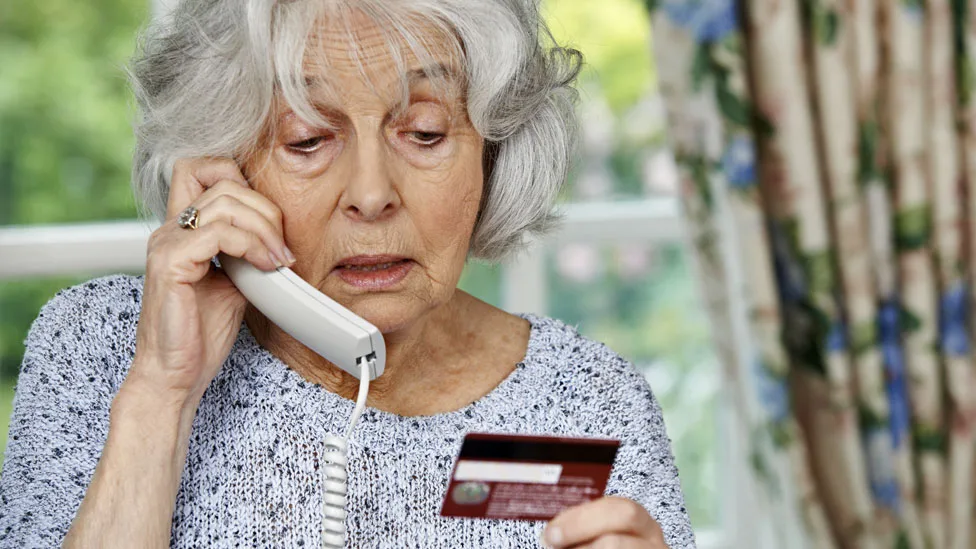
When you get scammed, it can be extremely distressing, and you may experience a lot of shame and guilt for letting it happen to you. Unfortunately, this is a very common occurrence, and Jim’s I.T receives hundreds of calls from scam victims needing help each month.
Scams come in many forms, either by scam calls, emails, and even text messages. If anybody reaches out to you, or any company calls you asking for money, it’s always a scam. Scammers spend thousands of hours perfecting their sales scripts and systems to catch people off guard.
If you have been the victim of a scam or suspect a family member has been scammed, call the Jim’s I.T scam clean up professionals on 0800 454 654, and disconnect your internet and turn off your computer straight away.
- Phishing scams
- Tech support scams
- Gift card scams
- Purchase scams
- Romance scams
- Investment scams
- Identity theft scams
- Cryptocurrency scams
- Charity scams & fraud
- Remote access scams
- Catfishing scams
- Grandparent scams
Have You Been Hacked?
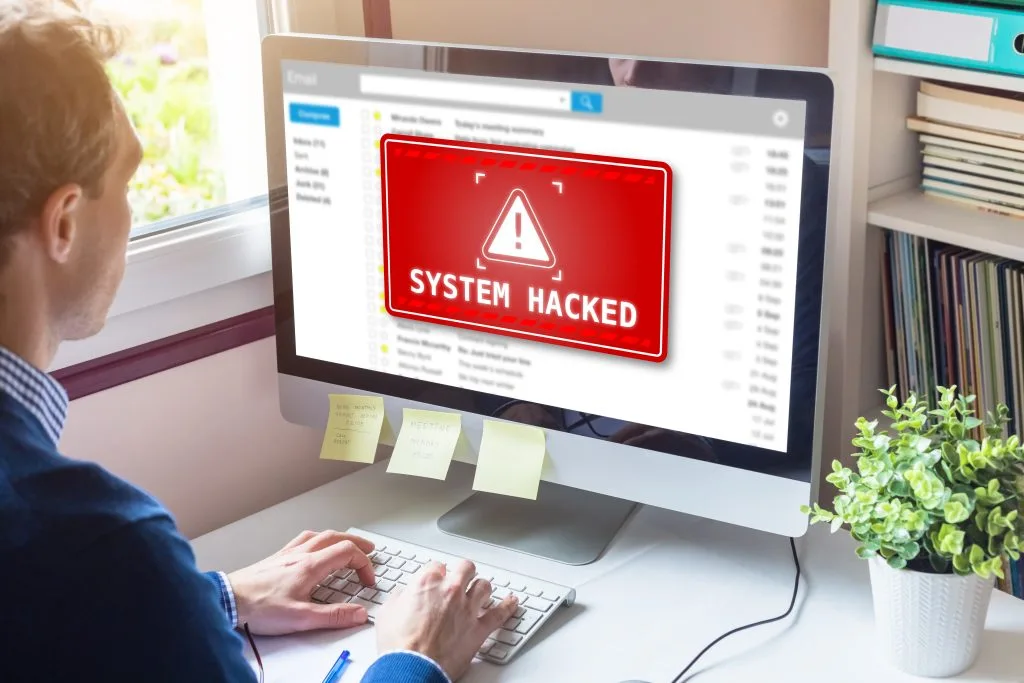
Getting your online accounts hacked can feel like a violation of your privacy. Hacks come in all shapes and sizes and can include having your email account hacked, your social media accounts hacked, your computer hacked even your home wifi hacked.
A very reliable indicator of being hacked is being sent notifications from your apps that somebody is trying to access your accounts. This could be your Gmail account, Facebook, Instagram or Apple accounts.
Another common sign of being hacked is strange behaviour on your PC, Laptop, Mac or smart phone. This could include the internet being very slow, the wifi dropping out, or specific websites timing out.
It’s important you have your devices and network checked by a professional, as you don’t want to be in the 5% of people who live in chronic fear and anxiety of somebody having access to their digital lives.
- Android phone hacked
- Compromised email account
- Facebook account hacked
- Instagram account hacked
- iPhone or iPad hacked
- Network hacked
- Online accounts hacked
- PC, Mac or Laptop hacked
- WhatsApp account hacked
- Wifi network hacked
Computer Training – Frequently Asked Questions
he first thing we recommend is purchasing a paid anti-virus program, as the in-built windows defender security software is not adequate to protect against most viruses.
After you have purchased some anti-virus software, we recommend running a full anti-virus scan, and also downloading some anti-spyware software and running a full scan. If you suspect your computer is still infected call the computer technicians at Jim’s I.T on 0800 454 654.
90% of the time we are successful in removing a virus or malware, without damaging the operating system or damaging your files.
However, with extreme virus infections we may need to fully reinstall windows or the Mac operating system as the virus has done too much damage. And a fresh installation is the only thing that guarantees removal.
The most common symptoms of a computer virus are: the computer is very slow to use, strange pop ups are appearing, the internet is cutting out, programs randomly stop working, files are disappearing, and just generally strange erratic computer behaviour.
Most viruses (around 95%) only affect Windows computers. However, there is a small and growing number of viruses and malware that effect mac computers. This is why we do recommend anti-virus software for Macs.
No, windows defender is extremely basic software and does not provide enough protection against computer viruses. Jim’s I.T always recommends a paid anti-virus or internet security software.
A computer virus is software code that is usually embedded inside another program to cause damage to your data and files.
Malware is simply an umbrella term to cover all types of viruses, malware, spyware, and adware.
Spyware is a type of malware designed to collect personal information such as keystrokes, passwords and banking login details.
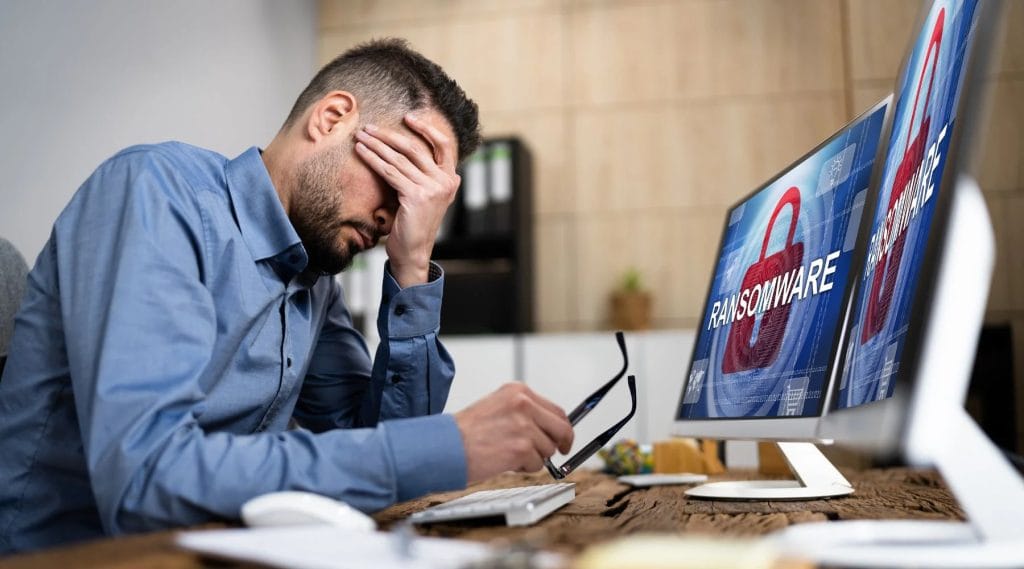
This depends on the type and version of the ransomware. Some ransomware can be fixed, other (newer types) cannot.
If your computer is infected with ransomware speak with a Jim’s I.T computer technician on 0800 454 654 so we can advise you on your situation and the best course of action.
Yes, we can assist. We will need to get more background to help isolate where the hackers have gained entry to your accounts and what other devices and accounts may be compromised.
Here are the top 5 most common signs your computer has virus or malware infection:
- Slow computer performance
- Unwanted pop-up ads
- Strange & Suspicious Programs
- Problems with anti-virus software
- Freezing, crashing and error messages.
No, Jim’s I.T does not recommend using two or more anti-virus programs at the same time. This will cause conflicts and slow down your computer.
Yes, Jim’s I.T can provide you with our digital certificate, after we clean up and secure your computer. All banks will accept this digital certificate and will unlock your accounts afterwards.
Yes, we use special software to bypass this password lock installed by scammers. Once we do this, we will remove any remote access software and secure your computer.
Yes, we can assist. We will speak with you to get more background information and from there we will advise the best course of action to clean up and secure your computer.
The first step is to use secure passwords for all online accounts. We recommend that the passwords are all different. We also recommend setting up 2FA (2 Factor Authentication) on all your online accounts. And keeping your computer up to date with security updates, and practice cyber vigilance when reading emails to prevent phishing attacks.
Speak to your local computer technician right now
Jim’s Work Guarantee
Why Choose Jim’s I.T ?
Attempting to resolve IT issues yourself can sometimes lead to further complications, data loss, or unnecessary downtime. Computers, networks, and other technology require the right knowledge and tools to diagnose and resolve problems effectively.
Jim’s I.T technicians are experienced in a wide range of IT services, including computer repairs, troubleshooting, software support, network setup, and general technical assistance. With over 15 years of experience, we provide reliable, professional IT solutions for homes and businesses, backed by our No-Fix, No-Fee Guarantee, with convenient service available across New Zealand.
Fixed Pricing
All quotes are free and fixed prices. We may charge to inspect the problem so we can quote accurately.
Same Day Service
You can request on-site same-day service before 10 am. We’ll have a technician at your door that very same day!
No Fix No Fee
If we can’t fix the problem or offer you a solution then there’s nothing to pay*.
Note : *Some issues/problems require a paid inspection/diagnostic fee to determine if the device can be repaired.